Lost devices
Your Child Lost Their Phone: Protect Their Accounts
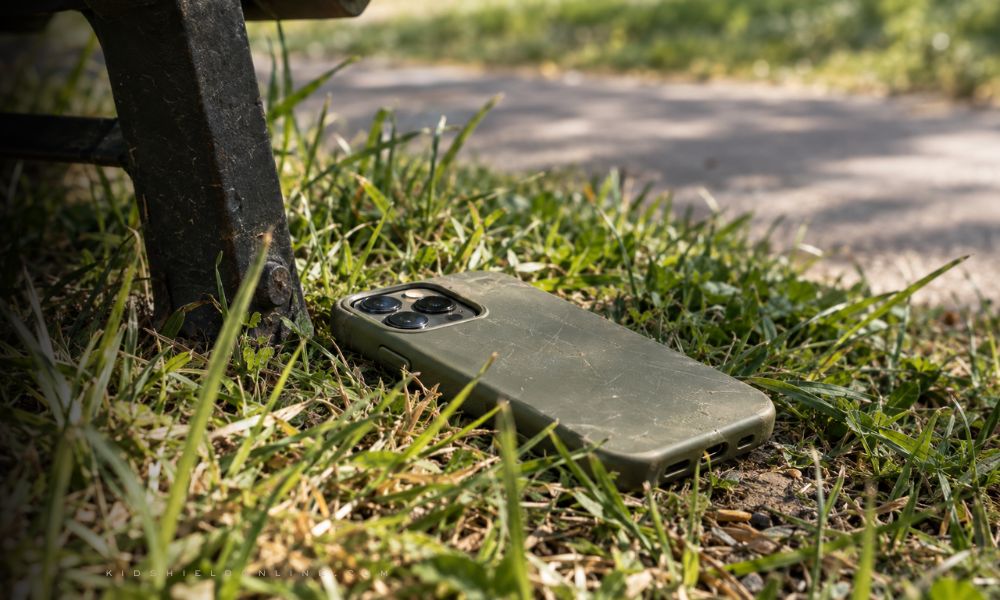
What should I do first when my child loses a phone?
Make sure your child is safe, check known locations, and use the device maker’s official recovery tools if available. Protect accounts and the phone line as needed. Never send your child to confront someone at a map location or share credentials with a supposed finder.
Key takeaways
Step 1
Check your child’s safety before the device.
Step 2
Use official lost-device tools from a trusted device.
Step 3
Coordinate account and carrier recovery steps.
Step 4
Treat unsolicited recovery messages with caution.
Affiliate disclosure: We may earn a commission from qualifying purchases through our Bark link, at no extra cost to you. No tool guarantees a child’s safety.
Confirm the situation without putting anyone at risk
Ask where and when your child last used the phone. Contact a known venue or school lost-property office when that fits the situation. Use the manufacturer’s device-finding service if you enabled it and have authorized access.
A location can be approximate or old. Do not send your child to an unfamiliar address or confront someone you suspect has the phone. Report theft to local authorities when appropriate. Keep the serial number and other device-identification details for the report, and arrange another way for your child to contact you.
Use the official recovery controls
For an iPhone, Apple’s lost-device instructions explain using Find My and marking the device as lost. Open the service yourself rather than following an unexpected recovery link. An offline device may not receive a command until it reconnects.
Do not remove a stolen iPhone from Find My as a routine recovery step; doing so can remove Activation Lock. Before remote erasure, read the provider’s explanation of the effects on data and recovery. Check backups and insurance requirements. For another device type, follow that manufacturer’s instructions rather than copying iPhone steps.

Protect accounts and the phone number
Consider what someone could reach if the device was unlocked or they knew its passcode. From a trusted device, review critical account sessions and recovery details. Change exposed credentials and revoke unfamiliar sessions through official security tools.
Contact the carrier about protecting or suspending the line and replacing the SIM or eSIM. Coordinate these steps with recovery instructions because connectivity changes can affect remote commands. Our location-sharing guide explains why a location service cannot replace a backup contact plan.
Watch for messages that exploit the loss
Someone claiming to have found the phone may ask for a passcode or verification code. Do not provide it. The FTC’s phishing guidance explains how convincing messages can lead to fake sign-in pages. Our child account-security checklist can help you review access.
When setting up a replacement, check the lock code, backups, device-finding options, and notification previews together. Store recovery information somewhere an adult can access without the missing phone. Practice how your child will reach you when a device is lost or out of power.
A common question
Should my child go to the location shown on the map?
No. Treat the location as information for appropriate recovery help. It may be inaccurate, and confronting someone can put your child at risk.
Keep building your family’s plan
Start with our first-phone decision guide, then work through the first-phone setup checklist. For another practical next step, read game mods and free downloads: help kids avoid malware.
Official resources linked in this article were checked October 12, 2026. Features and reporting processes can change. Australian reporting services have their own eligibility rules; use local services where appropriate.
Prepare a recovery plan before your child needs it.
If you are considering a managed phone, compare Bark Phone’s current options with the needs you identified here.
- Review the controls your family needs.
- Check device, service, and plan requirements.
- Agree on boundaries together before setup.