Connected devices
Smart Toys and Bedroom Speakers: A Privacy Checklist
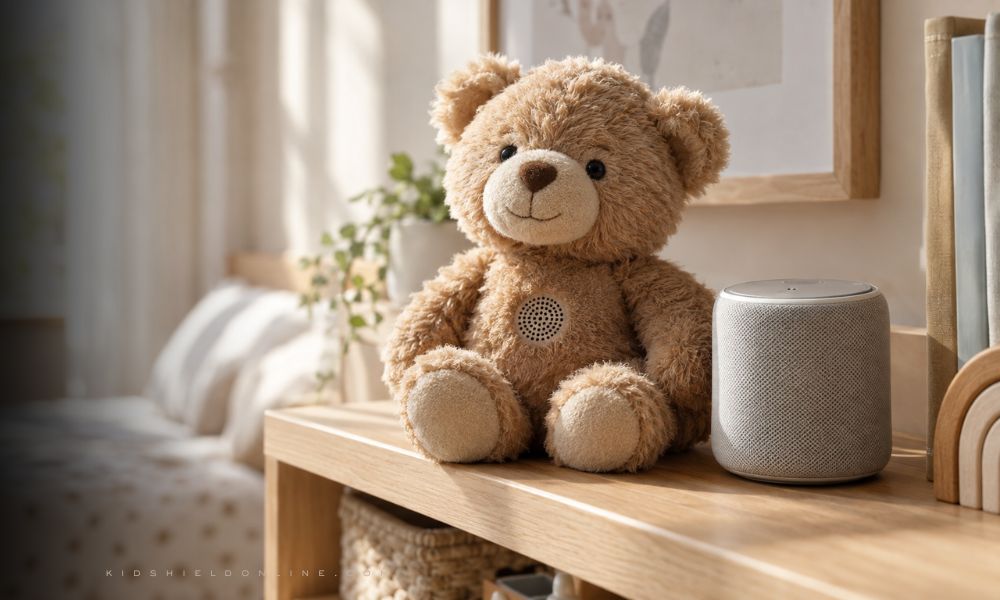
What should parents check before using a connected toy?
Check what it records, where recordings go, who controls the account, and how to mute or delete information. Review software support and optional features. Choose a location and routine that fit your family’s privacy needs before putting it in a bedroom.
Key takeaways
Step 1
Review the toy, companion app, and cloud account.
Step 2
Show your child the microphone and power controls.
Step 3
Check recording history and account access.
Step 4
Unlink and reset devices before giving them away.
Affiliate disclosure: We may earn a commission from qualifying purchases through our Bark link, at no extra cost to you. No tool guarantees a child’s safety.
Map the device, app, and account
A microphone-equipped toy may involve several services. Write down the maker, companion app, and controlling account. The FTC’s questions for connected-toy buyers offer a useful starting point for reviewing what the product collects and shares.
Ask whether it works offline or without an optional personal profile. Avoid unnecessary school, address, or family details. Follow account age requirements rather than entering a false age to unlock a feature. Keep a copy of the product name and instructions so a future caregiver can understand the setup.
Choose a recording routine
Consider a shared play area before a private bedroom. Show your child the microphone control and any recording indicator. Explain that they should avoid telling the device passwords, private family information, or details about other children.
Test the physical mute or power control according to the instructions. Give visiting families a choice about using the device around their children. The FTC’s voice-assistant privacy guide covers recording controls and unexpected activation. Do not assume a quiet device has no stored recordings.

Review recordings and adult access
Check which adults can retrieve recordings or manage the device. Protect the account and review purchasing or calling features separately from audio playback. Find the history and deletion controls, then read what each one covers.
Review companion-app permissions as part of the same exercise. If the product includes conversational AI, use the AI-chat privacy checklist to discuss what belongs in a conversation. Repeat the review after a major update or a change in who uses the toy.
Plan for updates and retirement
Check whether the manufacturer still supports the product and how it supplies security updates. If support ends, decide whether offline use remains practical or whether to retire the connected features. A toy can remain physically usable after its software support ends.
Before giving it away, use the available account controls to remove personal data, unlink the device, and follow the official reset process. Verify that it no longer appears in your account. Keep the instructions with it so the next household can configure its own account instead of inheriting yours.
A common question
Does muting a smart speaker delete earlier recordings?
No. Muting and deleting stored recordings are separate actions. Review the provider’s history and deletion controls and read what those controls cover.
Keep building your family’s plan
Start with our first-phone decision guide, then work through the first-phone setup checklist. For another practical next step, read unexpected in-app charges: a parent’s purchase plan.
Official resources linked in this article were checked October 12, 2026. Features and reporting processes can change. Australian reporting services have their own eligibility rules; use local services where appropriate.
Consider the whole device setup before choosing controls.
If you are considering a managed phone, compare Bark Phone’s current options with the needs you identified here.
- Review the controls your family needs.
- Check device, service, and plan requirements.
- Agree on boundaries together before setup.